








Early access feature management
Contents
Note: Early access management is only available in the JavaScript Web SDK and does not support Groups.
Early access feature management enables your users to opt in (and out) of features at different stages of development, from early concepts through general availability. You can run beta programs, create waitlists for upcoming features, and let users control their own product experience – all without building a custom solution.
How it works
Early access features can be created and edited from the Early Access Management tab in PostHog.
Each feature progresses through stages that control whether opted-in users get the feature flag enabled. When you create a feature, PostHog automatically creates a linked feature flag (or you can link an existing one). Each feature can also include a description, documentation link, and a payload with custom metadata.
When users opt in to a feature, PostHog adds an enrollment condition to the linked feature flag. Whether that condition actually enables the flag depends on the feature's current stage.
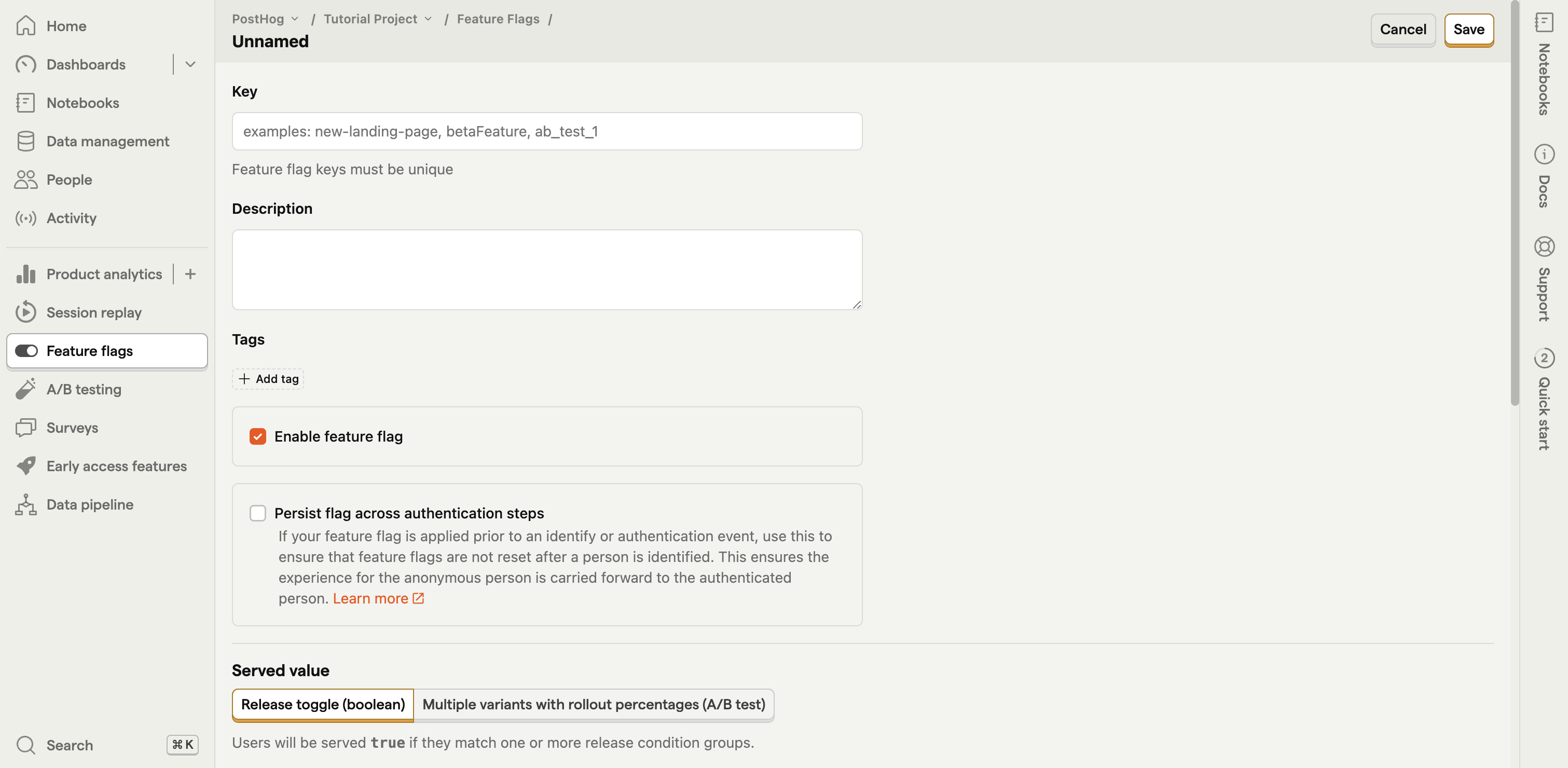
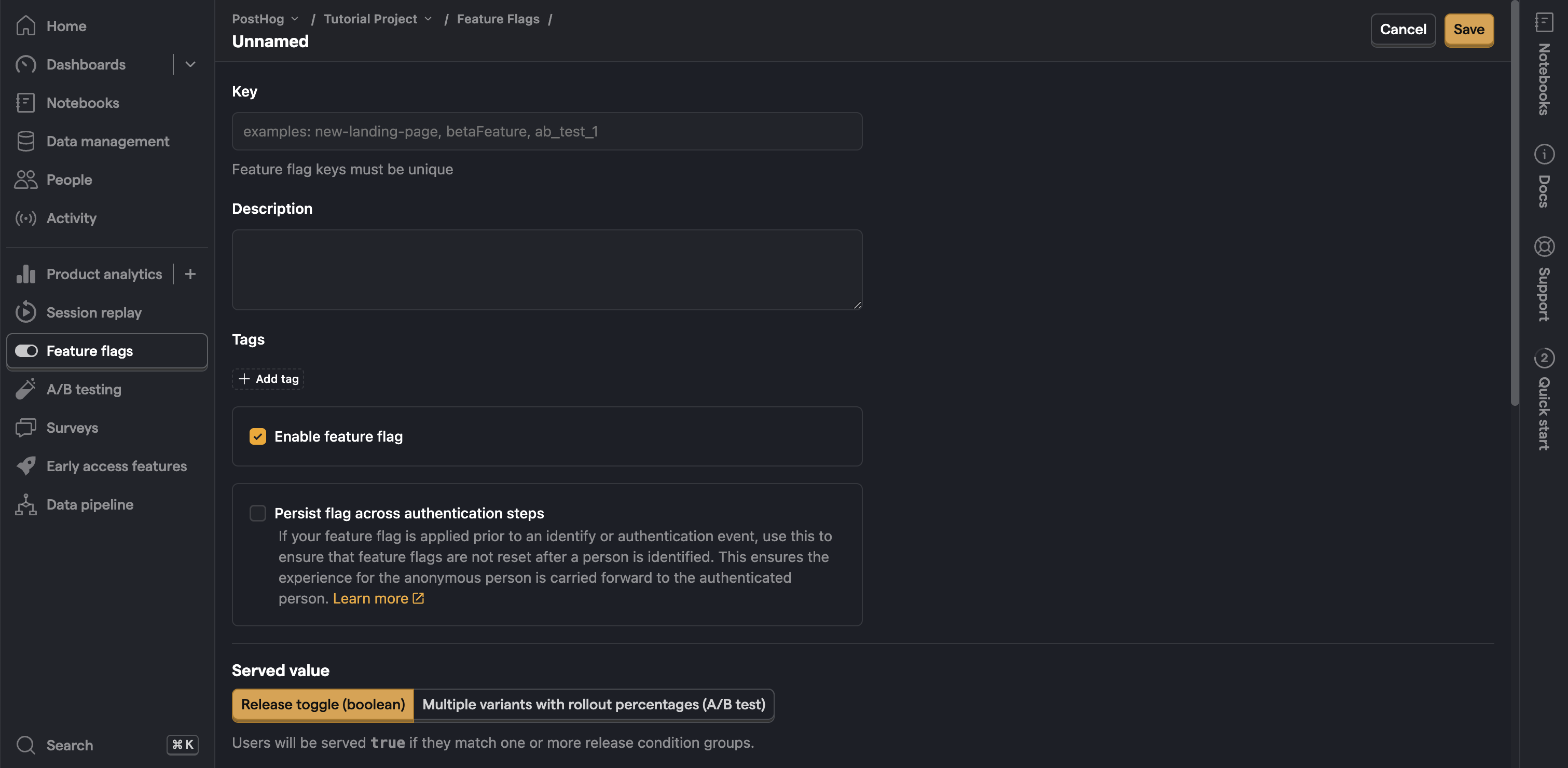
Once created, you can opt users in or out manually on the feature detail screen by searching for them in PostHog. You can also implement a public opt-in flow, which we detail below.
Important: Early access feature opt-in is an overriding condition. When a user opts in or out, this overrides any other release conditions on the feature flag. Only when a user has not explicitly opted in or out will the flag's regular release conditions apply.
Feature lifecycle stages
Early access features progress through five stages that control visibility and feature flag behavior:
| Stage | Flag enabled for opted-in users? | Purpose |
|---|---|---|
| Draft | No | Initial state. The feature is not visible to users and no flag changes occur. Use this while setting up the feature. |
| Concept | No | You can opt in to register interest, but the feature flag is not enabled. Use this for roadmap items where you want to gauge demand before building. |
| Alpha | Yes | Early testing phase. Opted-in users have the feature flag enabled. Use this for limited testing with a small group. |
| Beta | Yes | Wider testing phase. Opted-in users have the feature flag enabled. This is the default stage shown to users in the opt-in UI. |
| General availability | Yes | Feature is stable and fully released. The feature becomes read-only in PostHog after promotion. Opted-in users retain access. |
What happens during stage transitions
When you change a feature's stage, two things happen:
Feature flag update: Moving to an active stage (Alpha, Beta, or General availability) adds an enrollment condition to the linked feature flag so that opted-in users get the flag enabled. Moving to an inactive stage (Draft or Concept) removes this condition.
User notification: Enrolled users (those who opted in) receive a
$feature_enrollment_updateevent that your application can use to notify them of the stage change (for example, "Feature X has moved to Beta").
Promoting to general availability
When you promote a feature to General availability, a confirmation dialog appears with a "Roll out to all users – include users who previously opted out" checkbox.
- Checked – The feature flag's opt-in/opt-out conditions are removed and the flag is set to 100% rollout. All users receive the feature, including those who previously opted out.
- Unchecked (default) – Opted-out users remain opted out. Only users who opted in (or match the flag's existing release conditions) see the feature.
This is useful because, by default, users who opted out during a beta still have an overriding opt-out condition on the flag. Checking the rollout option clears those conditions so the feature reaches everyone.
Note: Once promoted to General Availability, the early access feature can no longer be edited.
Payloads
Each early access feature can include a JSON payload – custom metadata that is delivered to users via the Early Access Features API and posthog-js. Use payloads to attach configuration, release notes, or UI customization data to a feature.
The EAF payload is separate from the feature flag payload:
- EAF payload: Returned when users browse available features via
getEarlyAccessFeatures(). Use it for metadata your opt-in UI displays, such as descriptions, release notes, or settings. - Feature flag payload: Returned during flag evaluation via
posthog.getFeatureFlagPayload(). Use it for runtime configuration that affects feature behavior.
Example
Set the payload in the PostHog UI as a JSON object:
Access it in your opt-in UI:
Creating a public opt-in
You can find a full walkthrough of building an app with early access feature management in our How to set up a public beta program using early access management tutorial.
Option 1: Early access features widget
PostHog includes a prebuilt widget that adds an early access feature modal to your site.

To use it:
Ensure you set
opt_in_site_apps: truein your PostHog initialization configuration.Search for Early Access Features App in your PostHog project.
Enable it by clicking the blue gear, setting an HTML attribute selector like
data-attr,#id, or.class(or enabling "Show features button on the page"), enabling the toggle, and pressing save.
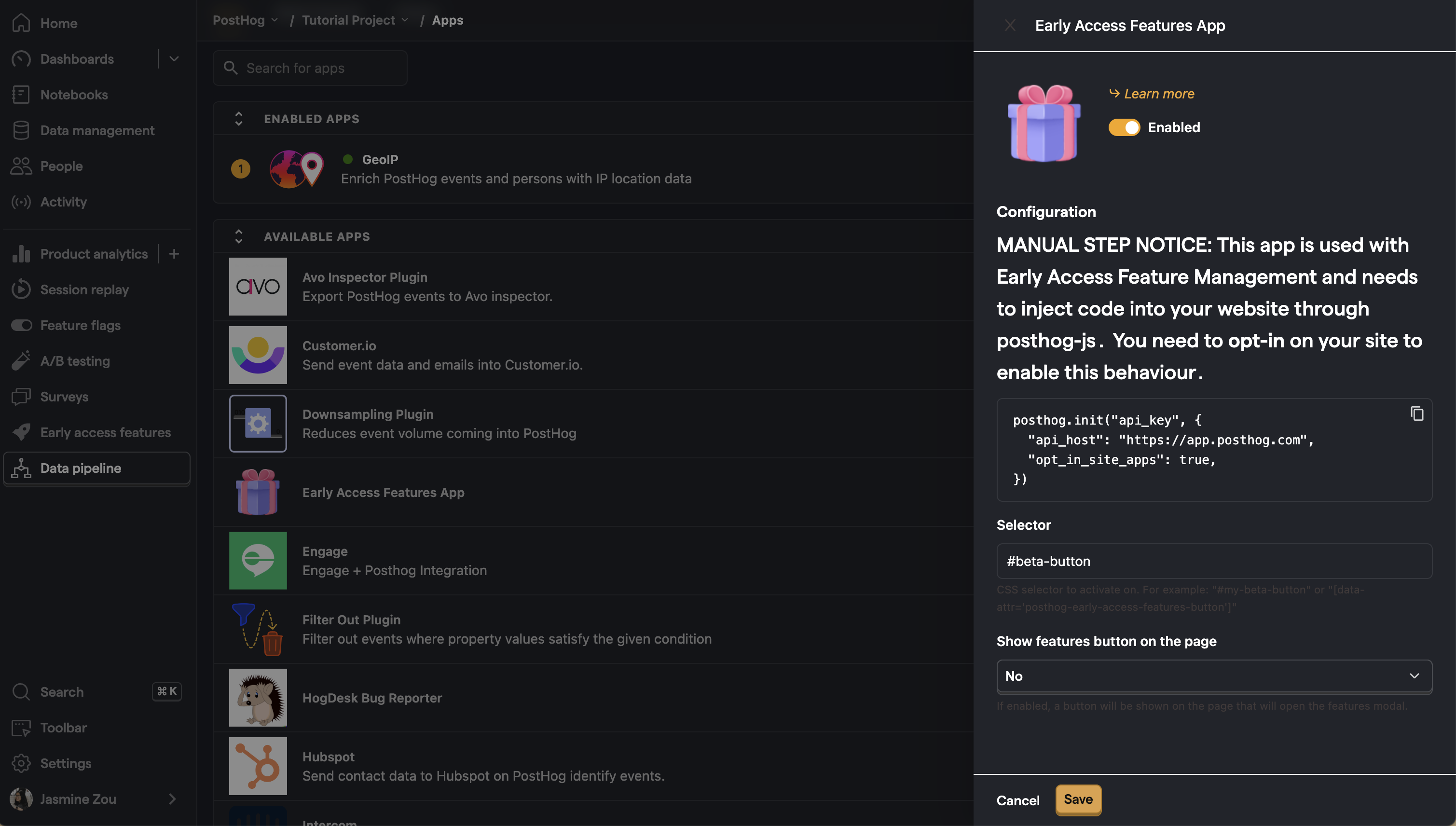
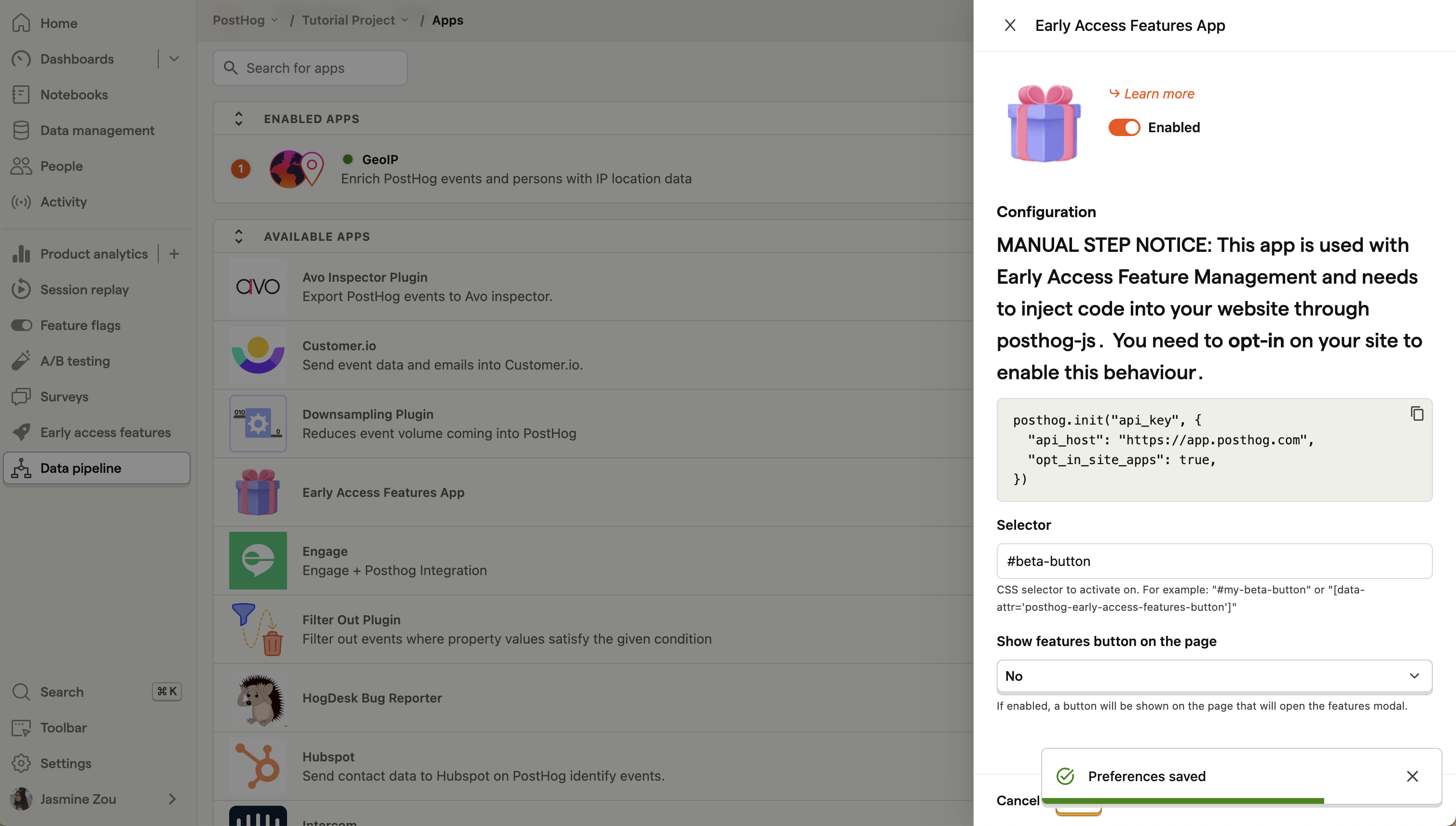
- If you did set an HTML attribute selector, add a component with that selector into your app. For example, if you set your selector to
#beta-button, you need to add an element like<button id="beta-button">Public Betas</button>.
Once set up, early access features appear on this panel for users to opt in or out of. The panel includes tabs for both Previews (active features) and Coming soon (concept features), enabling users to either try available features or register interest in upcoming ones.
Option 2: Custom implementation
You can fully customize your early access management experience using getEarlyAccessFeatures and updateEarlyAccessFeatureEnrollment from PostHog's JavaScript Web library.
getEarlyAccessFeatures is called with a callback function that receives a list of early access features with their flag key, name, description, documentation link, stage, and payload. You can use this to build a UI for users to opt in or out of features or register interest in features coming soon.
You can filter which stages of features to retrieve by passing an array of stages as the third parameter:
Note: Available early access features are cached per browser load. This means if you have a browser open and create a new early access feature, you wouldn't see it until you refresh.
If you want the latest values always available, include the
force_reloadparameter in yourgetEarlyAccessFeaturescall. This makes a network request to get the updated list instead of using the cache. The downside is that this can delay when early access features are available on load.
updateEarlyAccessFeatureEnrollment is called with a feature flag key and a boolean value to opt in or out of the feature or to register interest in a feature coming soon. This updates your opt-in status for the feature.
Other useful functions for custom implementations are isFeatureEnabled() and useActiveFeatureFlags() (React only). These help you differentiate users who have opted into early access features from those who have not.
For a sample implementation, see the public beta tutorial here or the site app code here.